Assistant-style chat
Use Q17 for writing, planning, summaries, reasoning, coding-style help, and everyday assistant tasks.
Q17 Private AI is an Android-first assistant workspace for local chat, voice, vision, projects, agents, and optional web support.
Q17 Private AI is available on Google Play. These pages describe current product direction, real proof screenshots, and safety limits without claiming ratings, downloads, or universal device support.
Each capability depends on the selected model, installed packs, Android device, storage, RAM, backend support, and app version.
Use Q17 for writing, planning, summaries, reasoning, coding-style help, and everyday assistant tasks.
Speech input and downloadable voices support a more natural mobile assistant workflow where available.
Organize serious work into projects, task-focused agents, and separate histories.
Local-first storage and user-controlled web support keep the workflow clear and deliberate.
The screenshots below reuse existing Q17 proof assets and are included as selected validation examples, not universal performance guarantees.
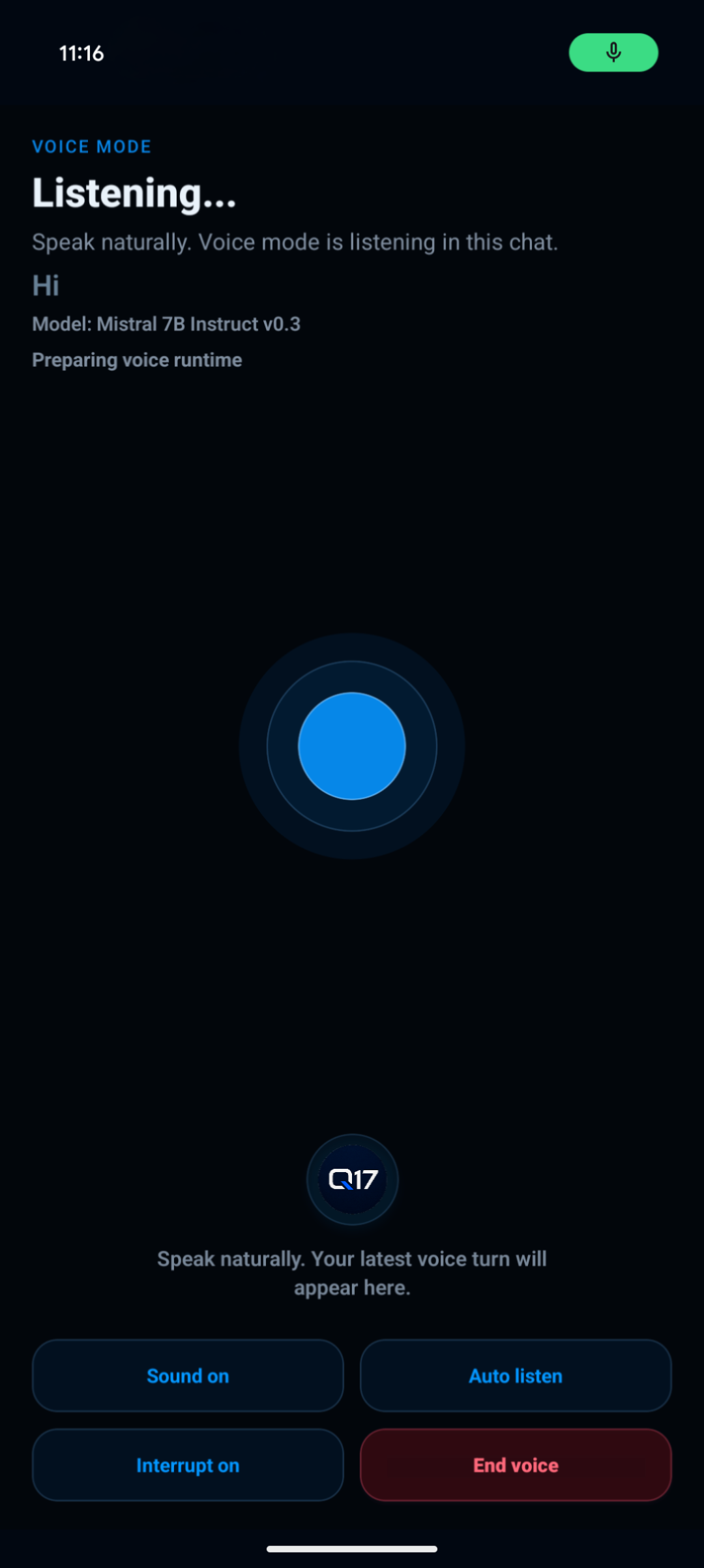
A selected proof screenshot of the assistant-style voice interface.
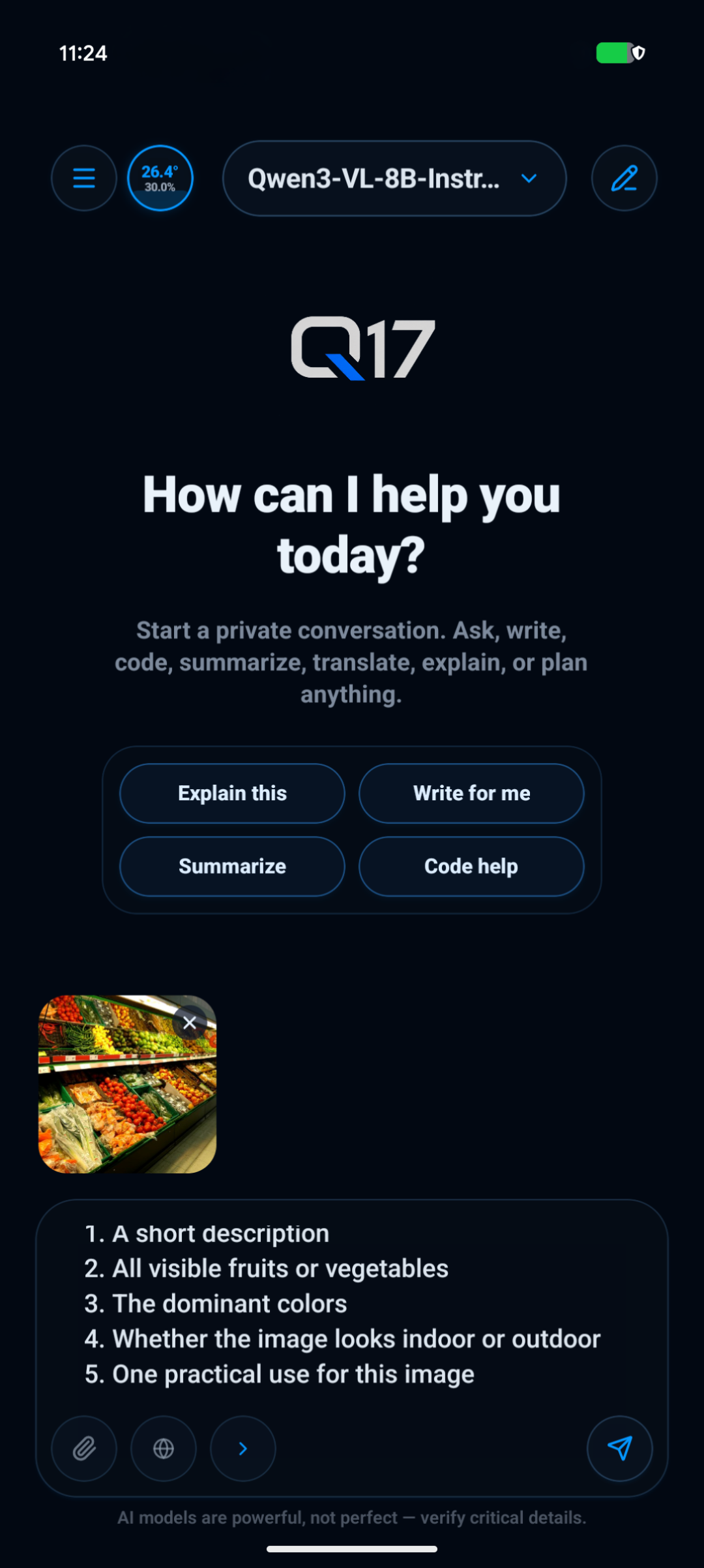
Image and file inputs can be routed through supported models and workflows.
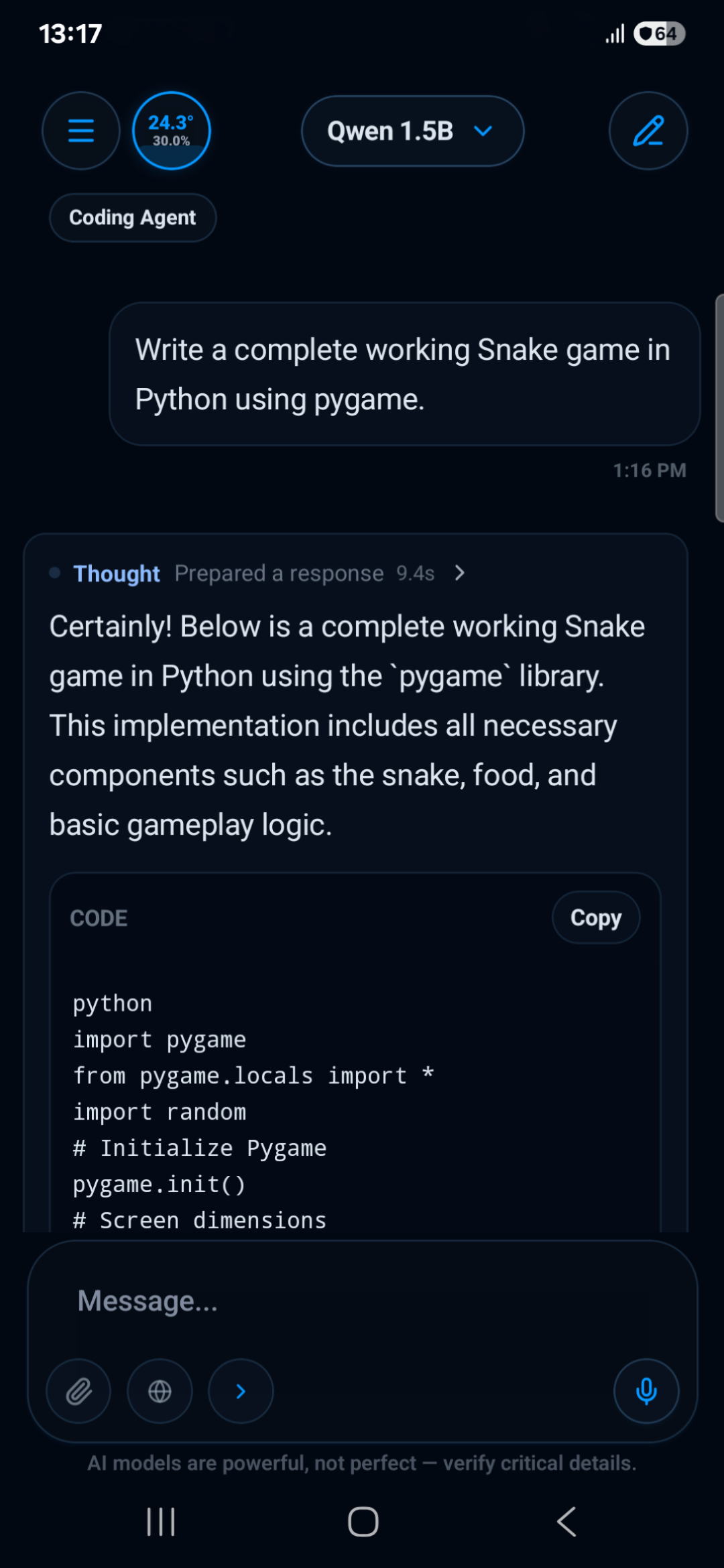
Q17 Private AI supports task-focused assistant workflows inside the Android app.
Q17 routes text, voice, images, files, and image prompts toward the right local or optional online path where supported.
Use chat, voice, image, camera, or attachment input depending on the workflow.
Q17 sends the task toward a local model, voice tool, vision model, image engine, or optional web mode.
Chats, projects, agents, histories, and files stay grouped inside the assistant workspace.
Review outputs and choose when optional online support is needed.
Open the official Q17 Private AI Play Store listing to install the Android app.