Offline AI Chat
Run supported local models directly on Android for private, on-device conversations.
Q17 Private AI is an offline AI app for Android and private AI assistant built around local on-device AI, local chat, voice, vision, image generation, and optional web support.
Available now on Google Play. Open the official Q17 Private AI Play Store listing to install the Android app.
 Q17 Private AILocal Mode
Q17 Private AI brings local models, voice tools, image tools, vision, projects, agents, and optional online routing inside one privacy-focused Android app.
It combines local AI chat, voice mode, vision, image generation, projects, agents, model management, and optional web routing inside one Android-first workspace.
Run supported local models directly on Android for private, on-device conversations.
Local chats, projects, and model files are designed to stay on your device unless you choose online features.
Use supported vision models for image understanding and camera-based workflows.
Use speech tools and downloadable voices for a more natural assistant experience.
Create images locally with supported Q17 Image Studio packs.
Organize serious workflows with projects, task-focused agents, and cleaner separate histories.
Q17 uses a CPU-safe local runtime fallback so local AI can remain usable when faster device paths are unstable or unsupported.
Q17 can detect unstable local runtime states and guide users toward safer recovery paths, including CPU-safe fallback when needed.
Use Q17 in 11 interface languages, including English, Hindi, Spanish, Arabic, French, German, Portuguese, Indonesian, Simplified Chinese, Japanese, and Tamil.
These focused pages explain what Q17 Private AI is designed to do across private local-first Android workflows.
A dedicated overview for users searching for an Android AI app that can run supported local workflows after downloads.
Learn MoreHow Q17 Private AI keeps assistant-style chat, voice, vision, projects, and agents centered around user control.
Learn MoreA closer look at local model chat, private histories, device-fit model choices, and runtime fallback behavior.
Learn MoreWhat Q17 Image Studio supports today with local packs, explicit presets, and real Android proof screenshots.
Learn MoreQ17 Private AI is being validated across old Android phones, budget hardware, and modern flagship devices. Real benchmark screenshots, runtime proof, and image-generation results are shown below as release validation expands.
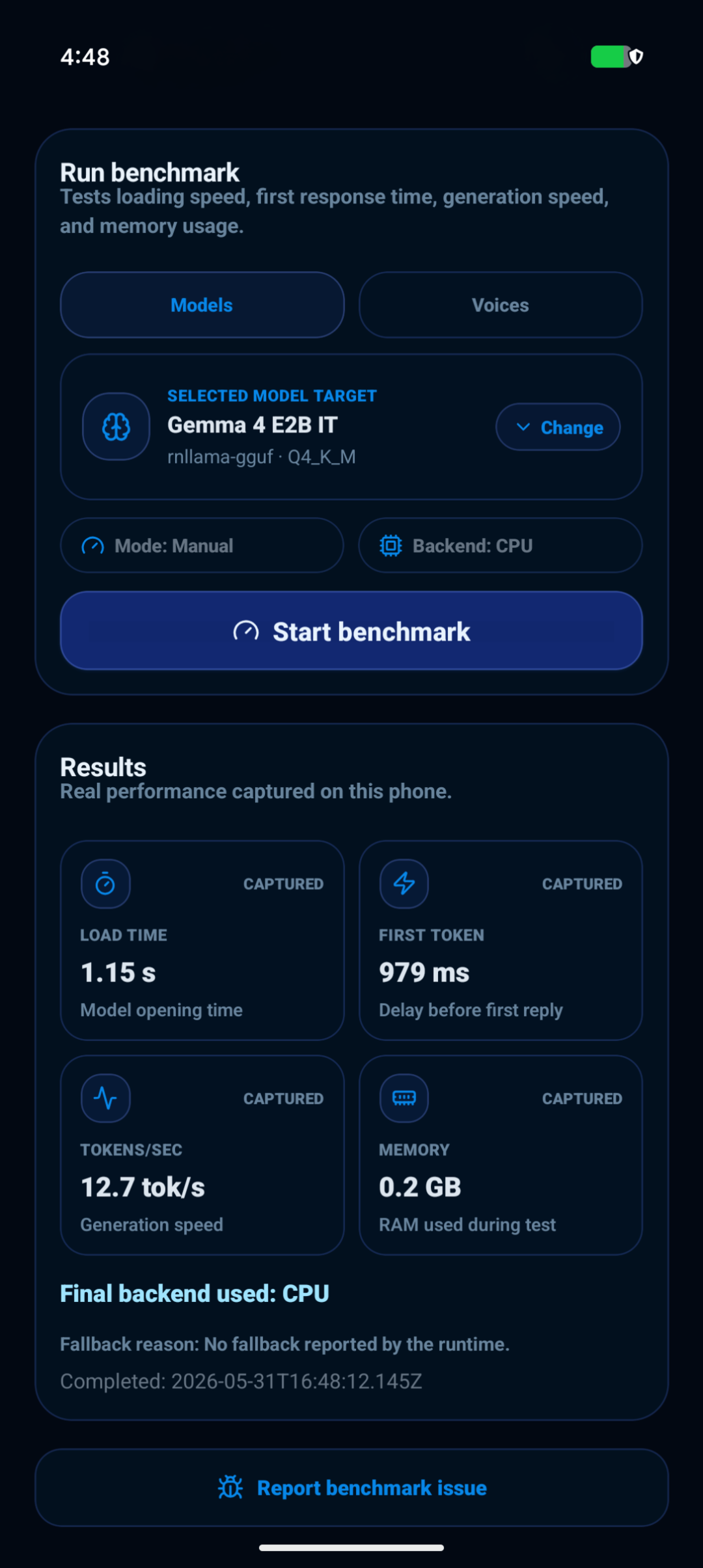
Gemma 4 CPU benchmark and flagship local-model proof.
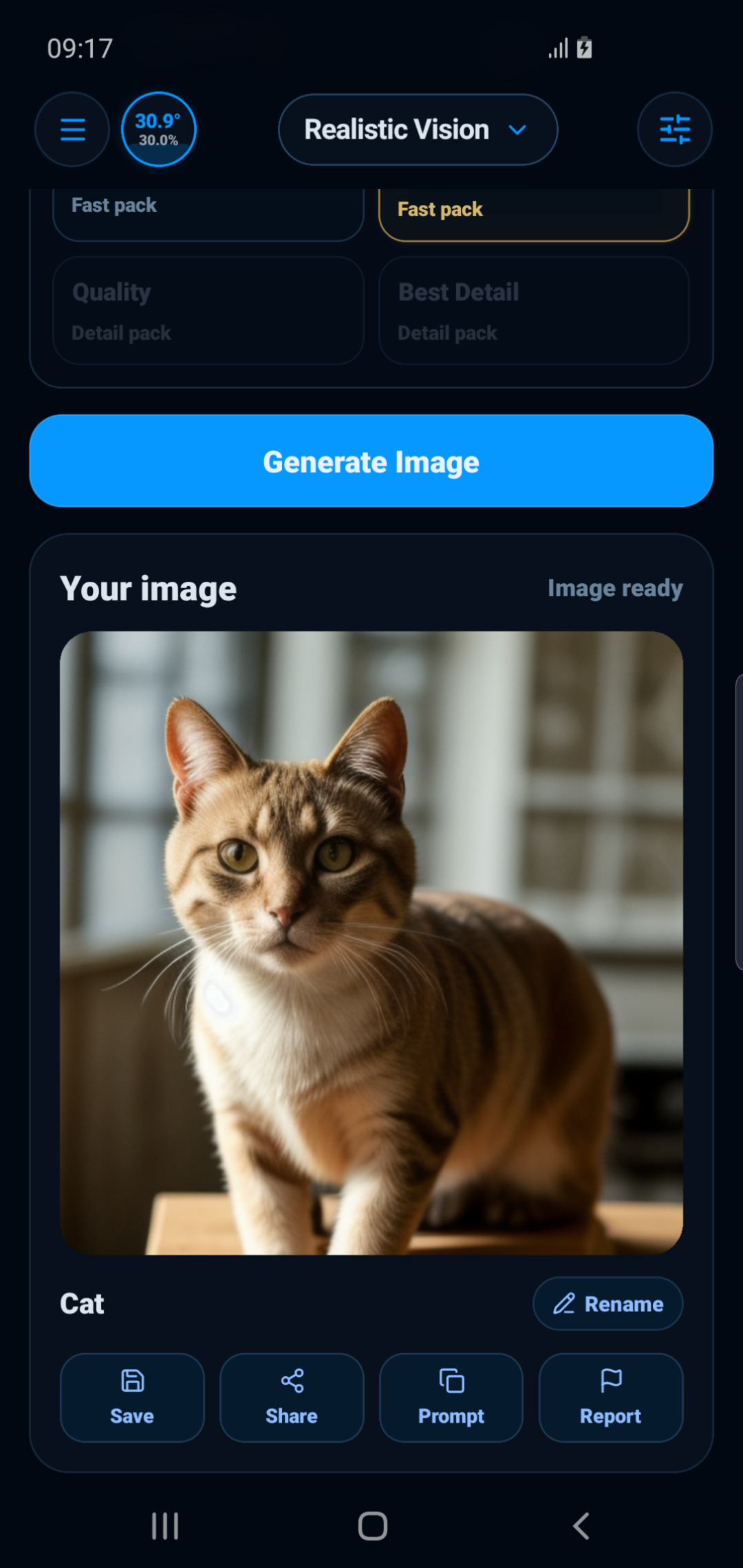
Local image generation validated on old Android hardware.
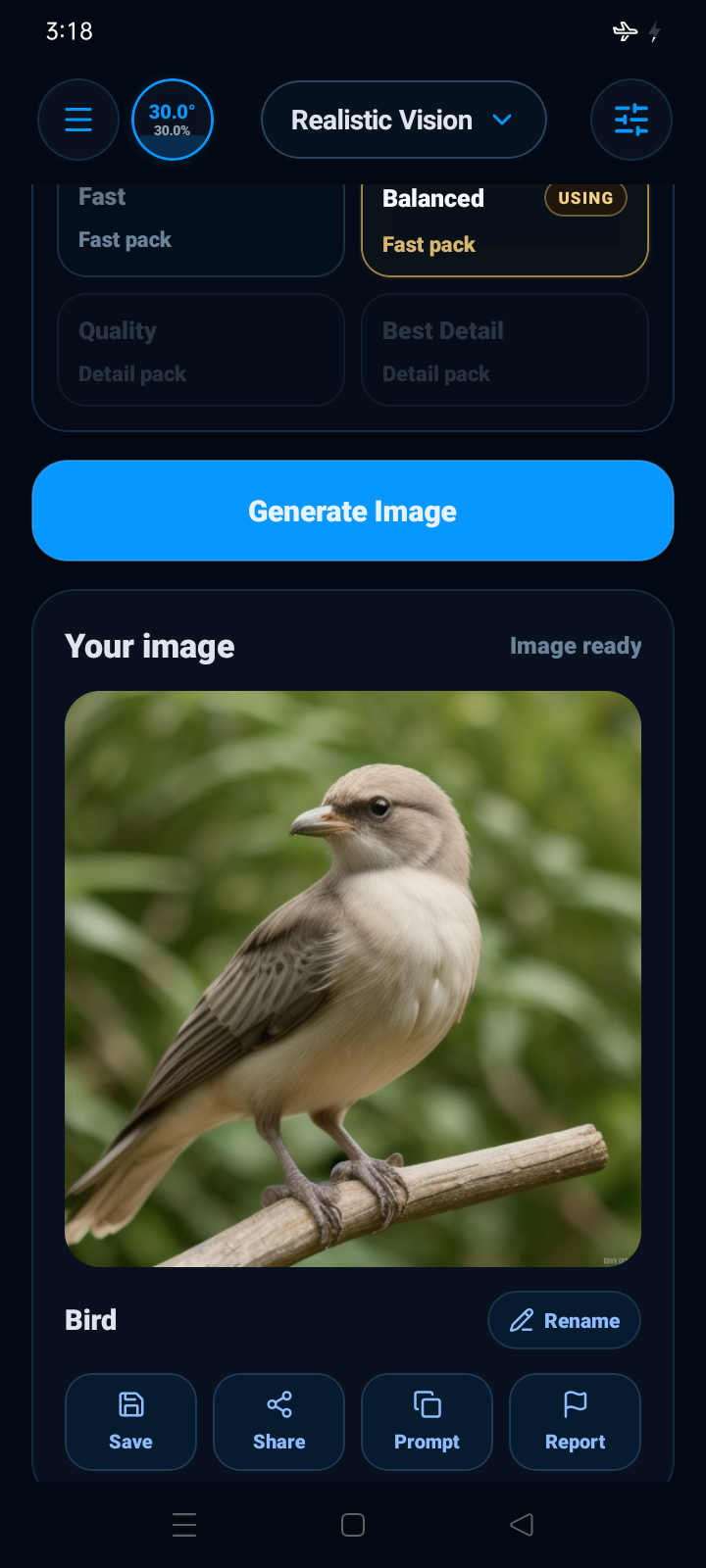
Local image-generation proof on budget Android hardware.
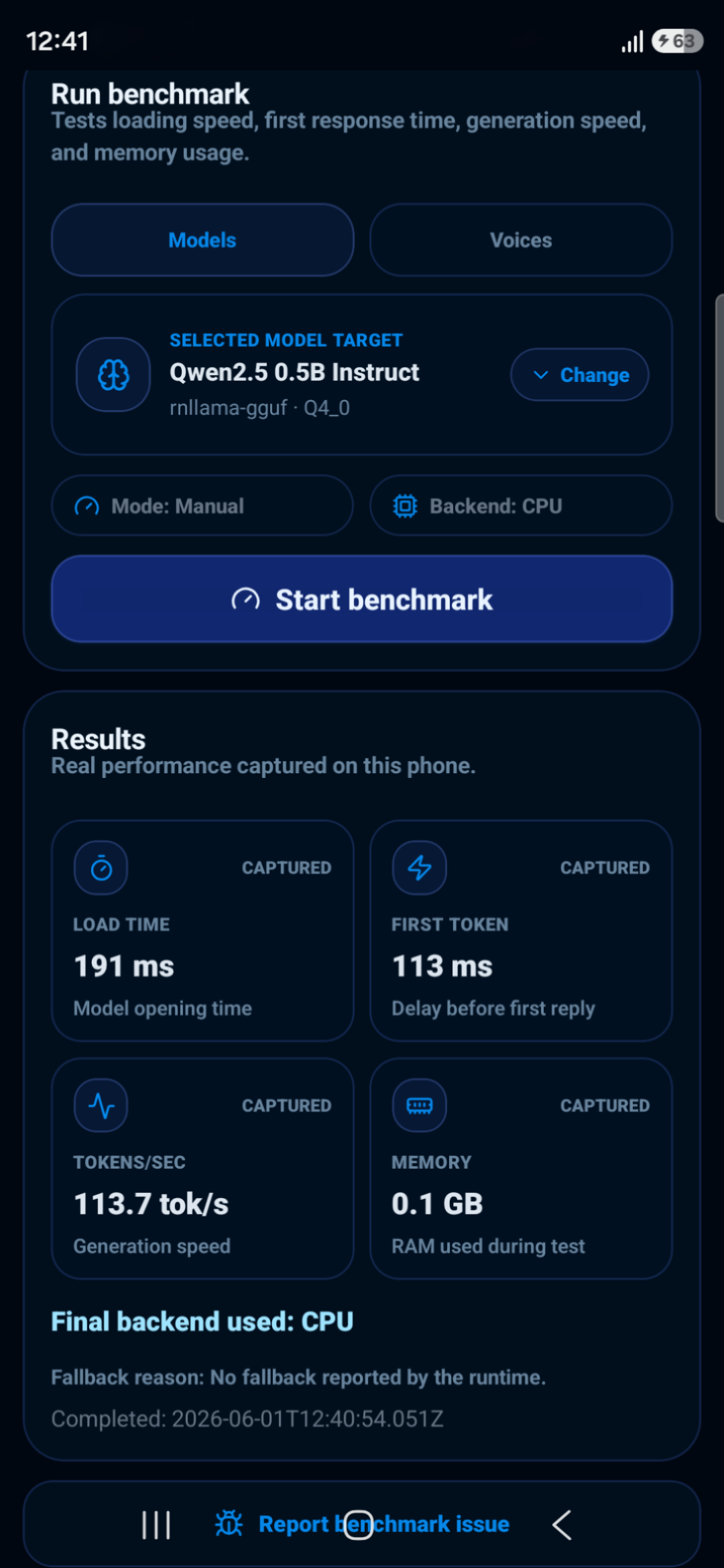
Latest Samsung-class CPU benchmark proof with fast local inference.
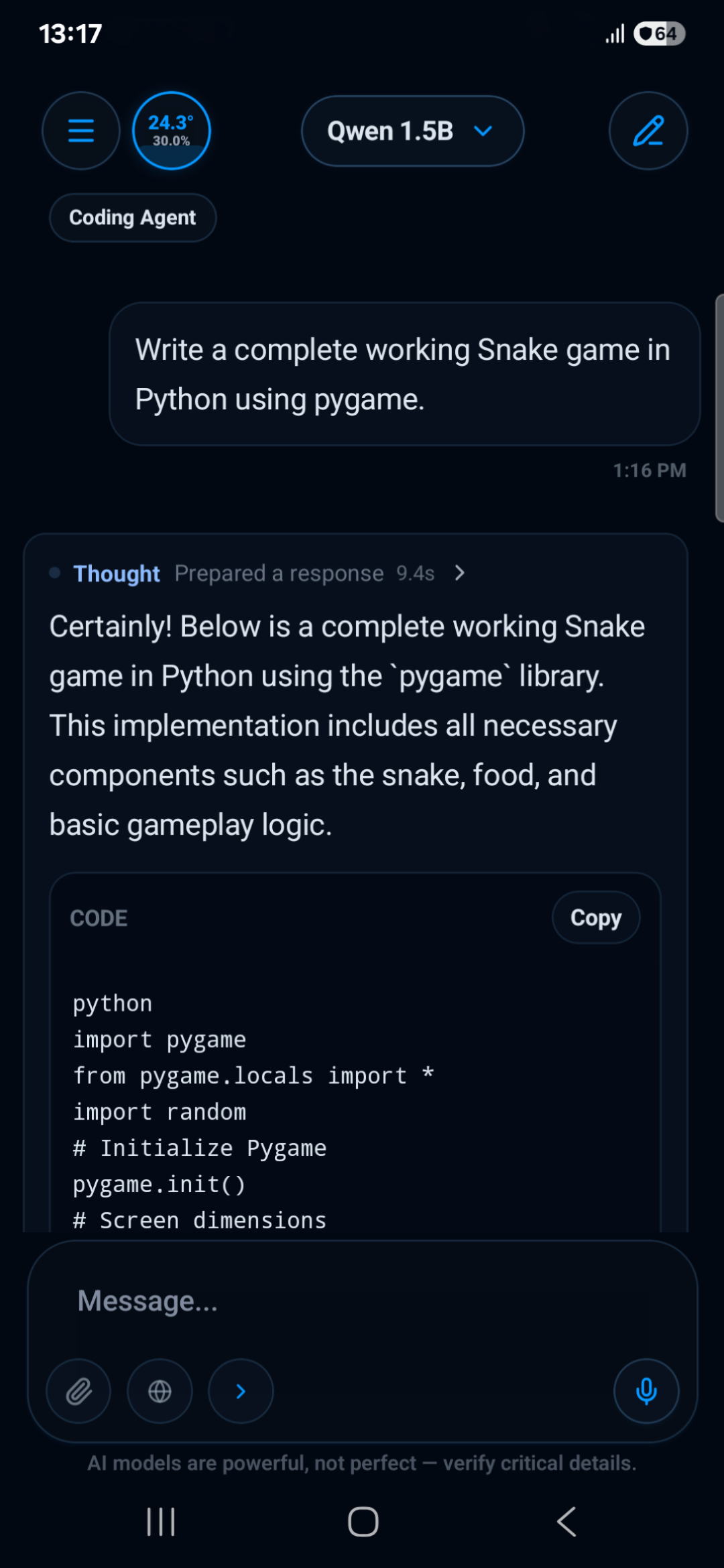
Q17 Private AI generating Python coding output with a local assistant workflow.
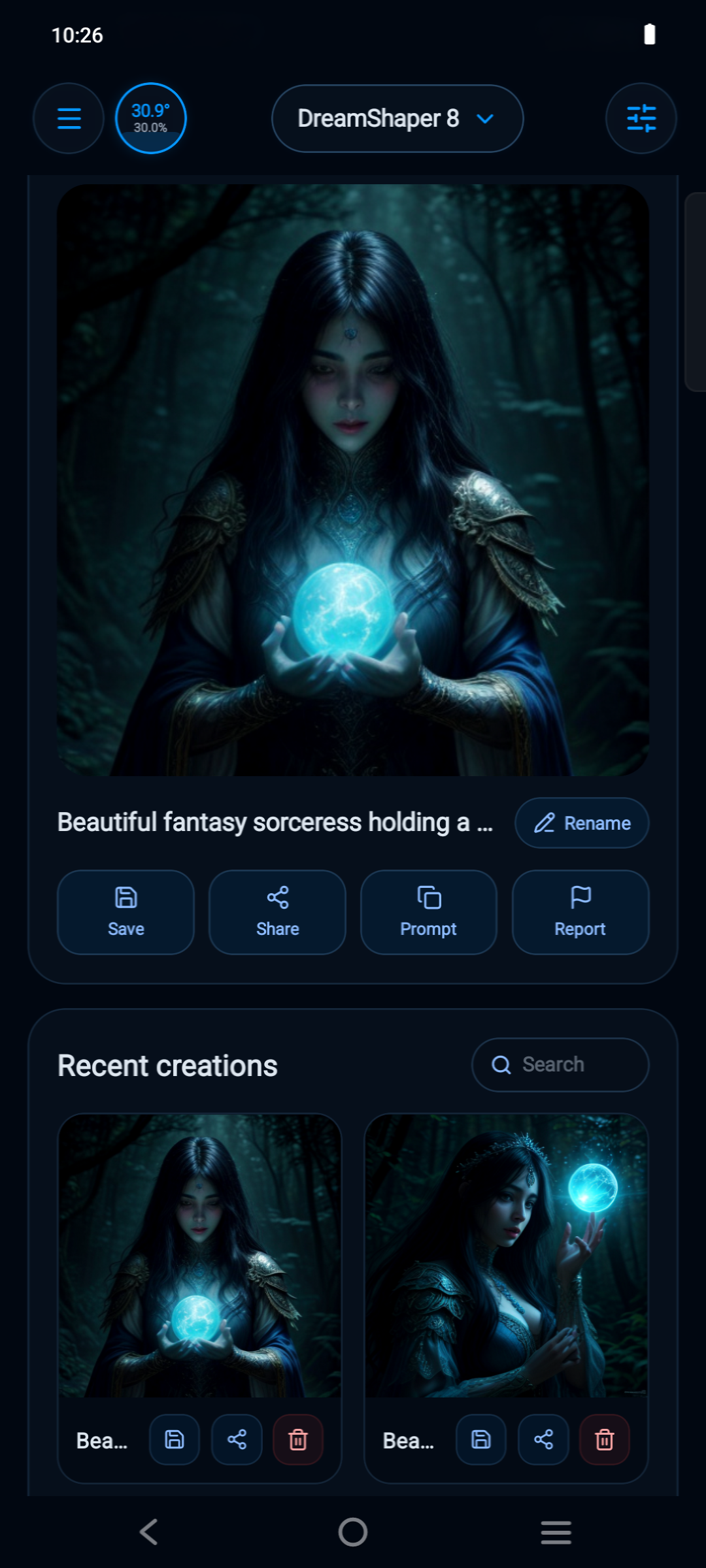
Image-generation proof checked on Vivo hardware.
Q17 Private AI is designed for users who want AI tools on their phone with local-first control, downloadable models, and optional online support only when selected.
Q17 is designed for different Android device capabilities, with CPU-safe fallback and recovery paths when faster device paths are unstable or unsupported.
Text, voice, images, files, and prompts move through Q17 Private AI app workspace toward the right local or optional online path.
Text, voice, image, camera, PDF, XML, or document-style attachment.
Local model, vision model, image engine, voice tool, or optional web mode.
Chats, projects, agents, histories, model manager, and app storage.
Answer, spoken reply, generated image, workflow result, or saved history.
Install the official Android app from the Play Store listing. The app brings private local-first AI tools, model downloads, voice, vision, Image Studio, projects, agents, and optional web support to Android.
Many Q17 Private AI features are designed to work locally using downloaded models. Online features are optional and should be used only when the user chooses to enable them.